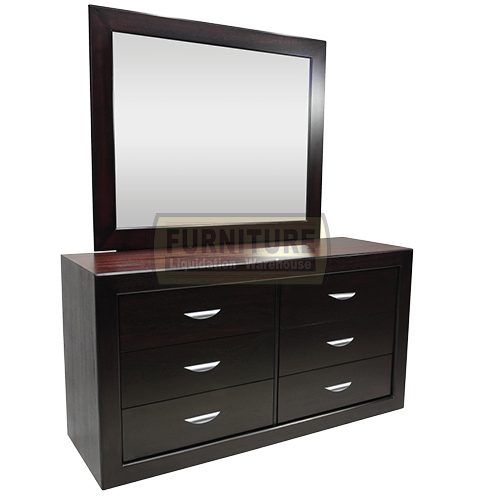
Adam Bedroom Suite
R5288,00 R8988,00
-41%Unbeatable Deal!
Adam Bedroom Suite
R5288,00 R8988,00
Adam Bedroom Suite
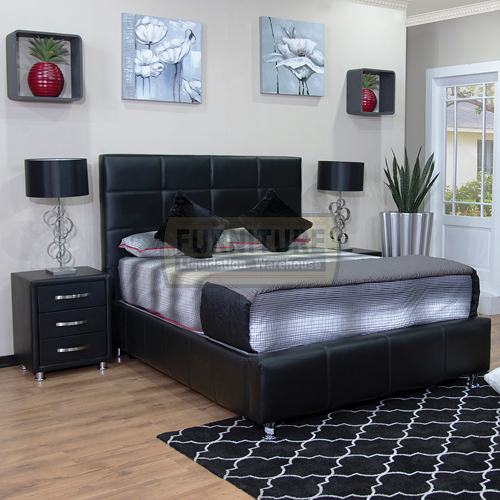
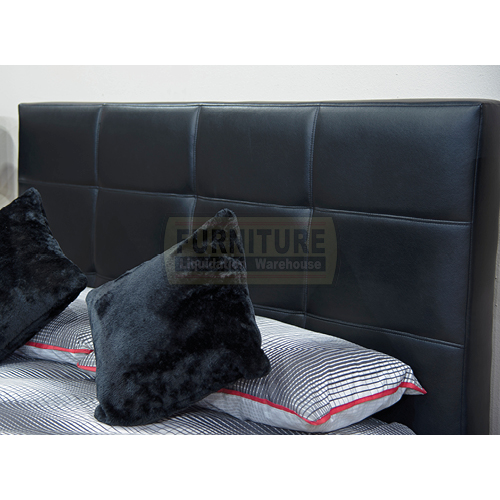
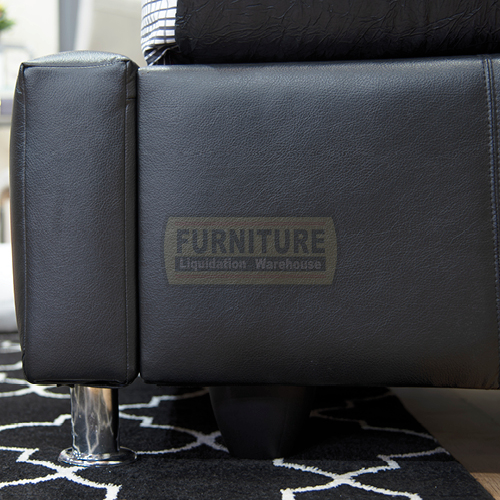
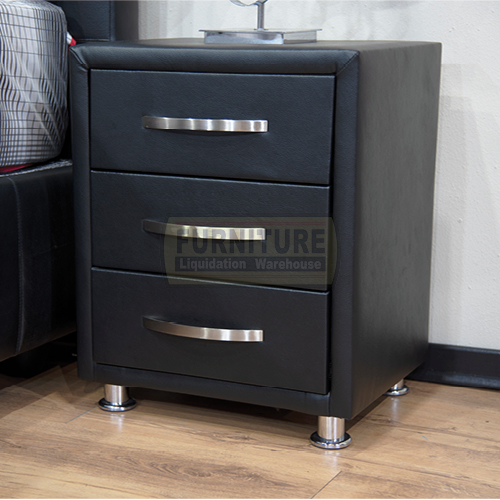
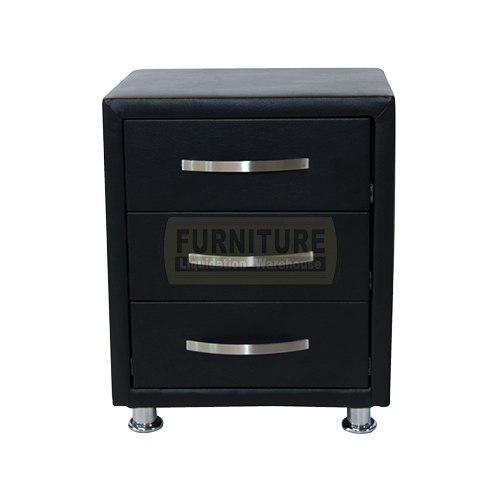
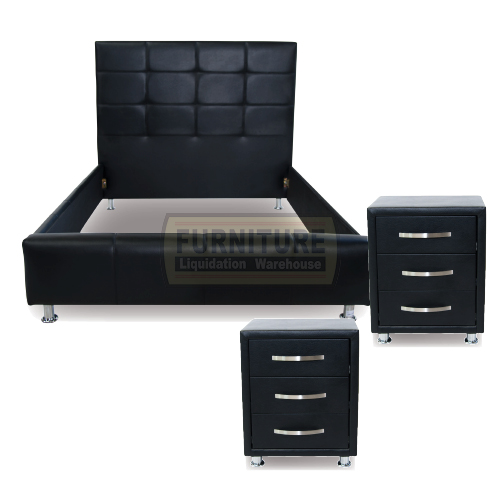
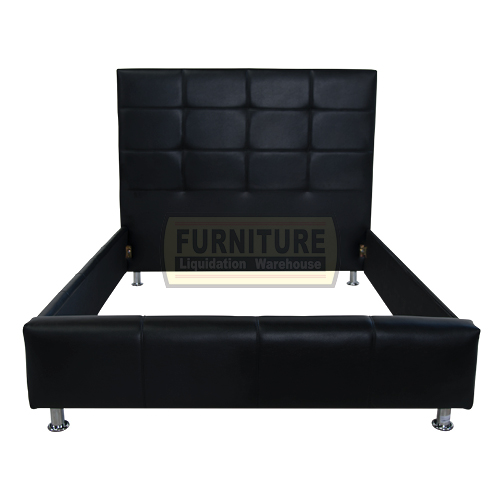
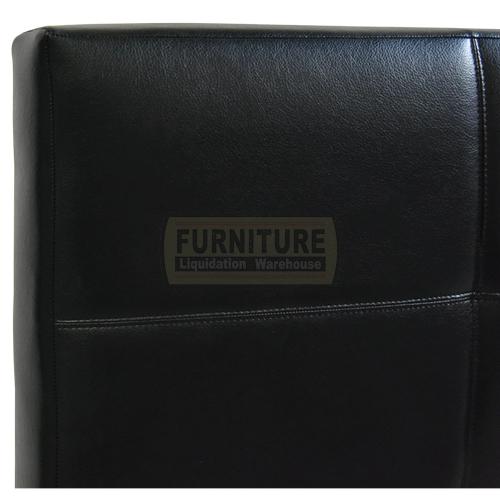
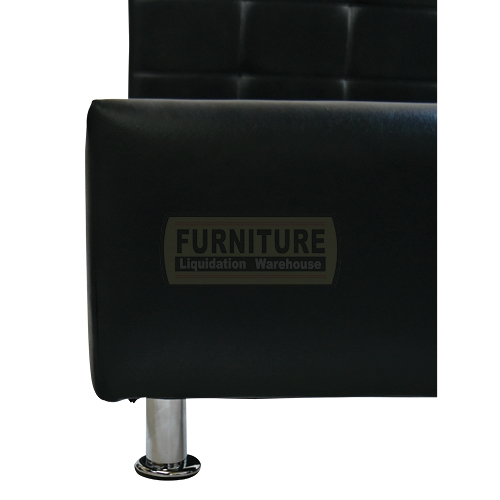
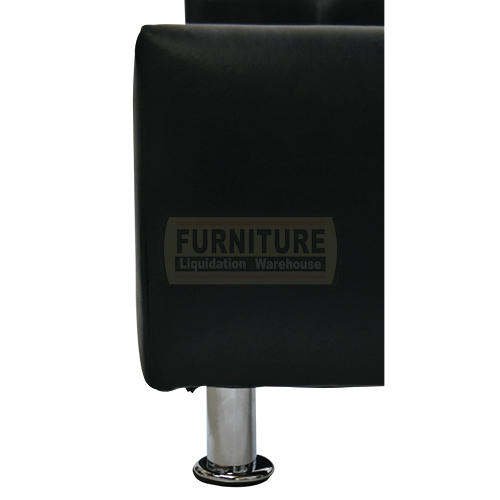
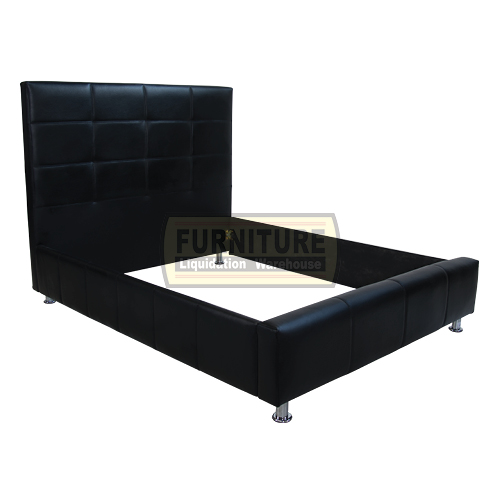
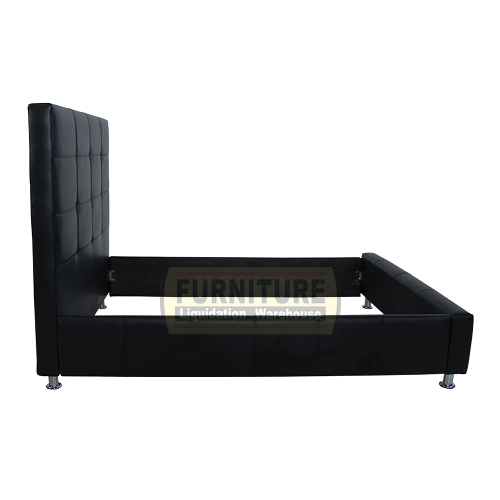
Made from wood and faux-leather upholstery, the Adam Bedroom Suite blends comfort and style. The black upholstery is accented with detailed tufting for depth. Completed with this piece is two sides matching 3 drawer pedestals, finished off with chromed handles.
- Materials: Faux leather, wood, foam
- Upholstery materials: Faux leather
- Upholstery color: White, Black, Brown
- The headboard is detailed with lined stitching
- The durable faux leather is easy to clean and maintain
- Double, Queen, or King size
- Mattress and Base set NOT INCLUDED
![]()
![]()

-
Size Guide
Size Guide
TEST -
Delivery Return
TEST
-
Ask a Question
Ask a Question
Adam Bedroom Suite
R5288,00R8988,00
Value
Guaranteed best value for your money
100%
Guaranteed Satisfaction
FREE Assembly
Piece if mind free assembly
Adam Bedroom SuiteAdam Bedroom Suite Made from wood and faux-leather upholstery, the Adam Bedroom Suite blends comfort and style. The black upholstery is accented with detailed tufting for depth. Completed with this piece is two sides matching 3 drawer pedestals, finished off with chromed handles. Materials: Faux leather, wood, foam Upholstery materials: Faux leather Upholstery color: White, Black, Brown The headboard is detailed with lined stitching The durable faux leather is easy to clean and maintain Double, Queen, or King size Mattress and Base set NOT INCLUDED
Be the first to review “Adam Bedroom Suite” Cancel reply
User Guide
Please read the manual before use.
1. Safety Warning
- The information in this document won't be modified or extended in accordance with any notice.
- The watch should be charging 2 hours at least before use. Security Code
- The original code is 1122,this code can prevent your watch in use by others without your permission.
- Please change the original code to insure your personal information safe.
2. Product details
- Power button: Power On/Off;Awaken/turn off screen;Back to main menu
- Touch screen: each function (main menu) will be shown and displayed on capacitive touch screen
3. Clock Display
- Method 1: Power on, when the phone in clock mode, please click middle screen and set different clock interfaces if you like.
- Method 2:Power on, Main menu: setting--phone setting--standby menu display -- unlock selection.
4. Product quick use
- Download the Sync software
- Install and use the Sync software
Related products
Recently viewed products
You have no recently viewed item.


Reviews
There are no reviews yet.