Colonade Pedestal (1D)
R1588,00 R2188,00
-27%Unbeatable Deal!
Colonade Pedestal (1D)
R1588,00 R2188,00
Colonade Pedestal (1D)
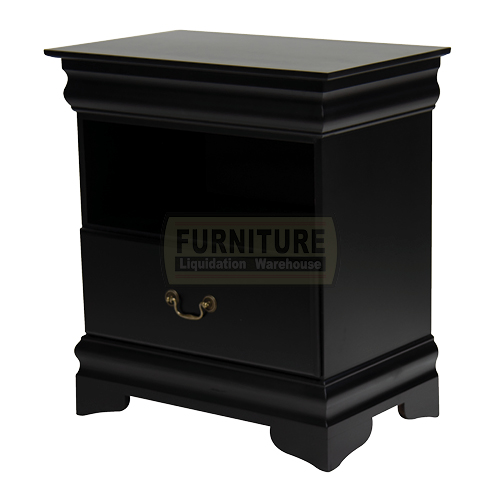
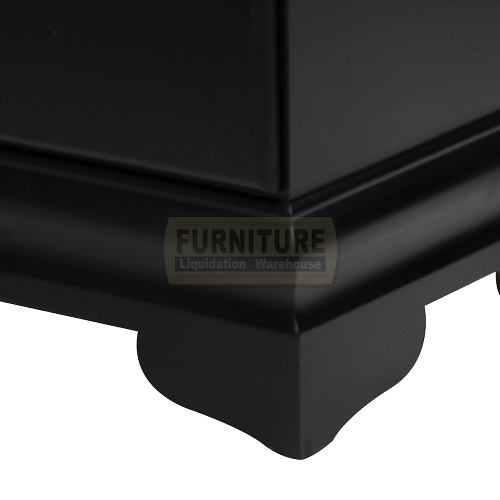
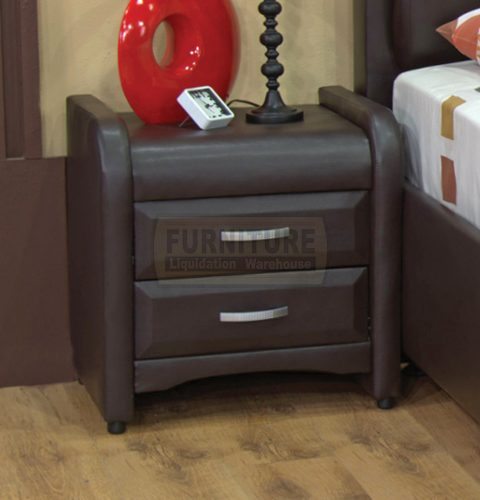
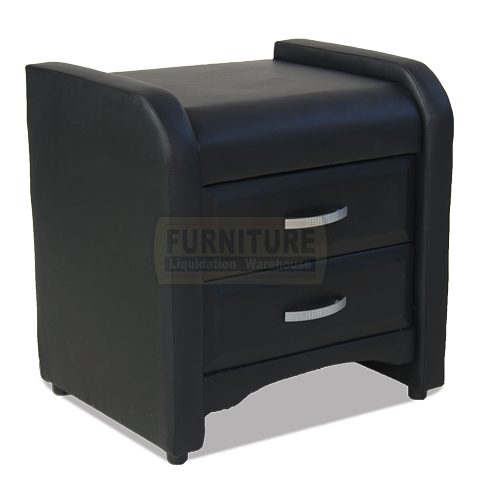
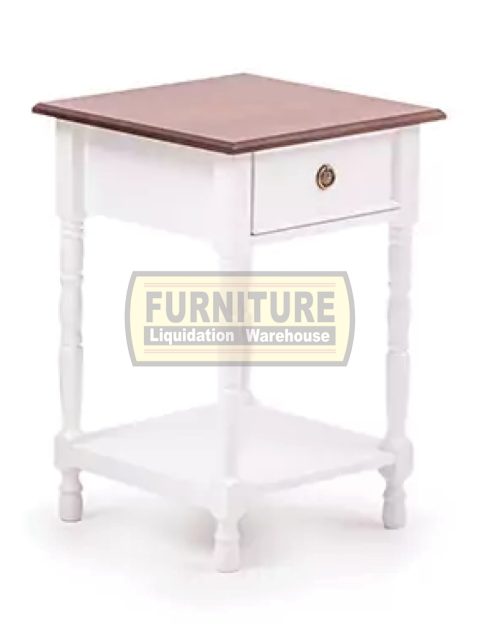
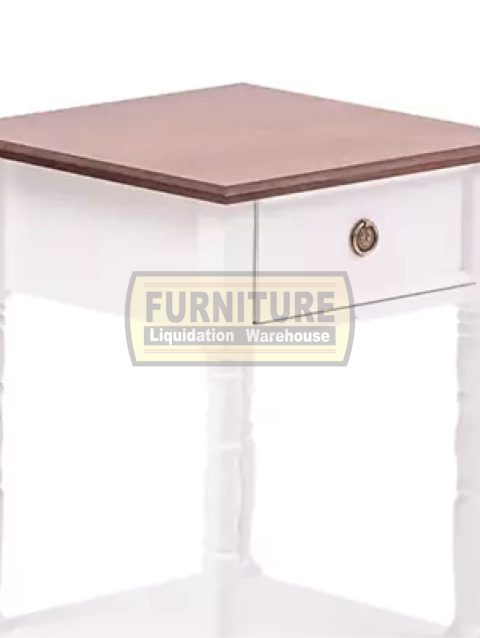
This Colonade Pedestal (1D) made in South Africa features a classic design worthy of a stately English manor and will communicate that same sense of grace in your home as well. This Colonade Pedestal (1D) is finished in a black, and the one drawer contrasts this black finish with its dark metal appearance.
- Style: Transitional
- Size: 1-drawer
- Furniture Pattern: Solid
- Colour: Black
- Material: Wood, MDF
![]()
![]()

-
Size Guide
Size Guide
TEST -
Delivery Return
TEST
-
Ask a Question
Ask a Question
Colonade Pedestal (1D)
R1588,00R2188,00
Value
Guaranteed best value for your money
100%
Guaranteed Satisfaction
FREE Assembly
Piece if mind free assembly
Colonade Pedestal (1D)This Colonade Pedestal (1D) made in South Africa features a classic design worthy of a stately English manor and will communicate that same sense of grace in your home as well. This Colonade Pedestal (1D) is finished in a black, and the one drawer contrasts this black finish with its dark metal appearance. Style: Transitional Size: 1-drawer Furniture Pattern: Solid Colour: Black Material: Wood, MDF
| Dimensions | 640 × 410 × 700 cm |
|---|
Be the first to review “Colonade Pedestal (1D)” Cancel reply
User Guide
Please read the manual before use.
1. Safety Warning
- The information in this document won't be modified or extended in accordance with any notice.
- The watch should be charging 2 hours at least before use. Security Code
- The original code is 1122,this code can prevent your watch in use by others without your permission.
- Please change the original code to insure your personal information safe.
2. Product details
- Power button: Power On/Off;Awaken/turn off screen;Back to main menu
- Touch screen: each function (main menu) will be shown and displayed on capacitive touch screen
3. Clock Display
- Method 1: Power on, when the phone in clock mode, please click middle screen and set different clock interfaces if you like.
- Method 2:Power on, Main menu: setting--phone setting--standby menu display -- unlock selection.
4. Product quick use
- Download the Sync software
- Install and use the Sync software
Related products
Recently viewed products
You have no recently viewed item.


Reviews
There are no reviews yet.